VMware vSphere Foundation Administrator
$959.00
50% OFF on All Courses!
Popular:
Your cart is empty
Your cart is empty

Pre-register now to lock in your Early Bird price. Enrollment opens soon.
Secure your spot before it fills up.
Enter your email to be notified when enrollment opens.
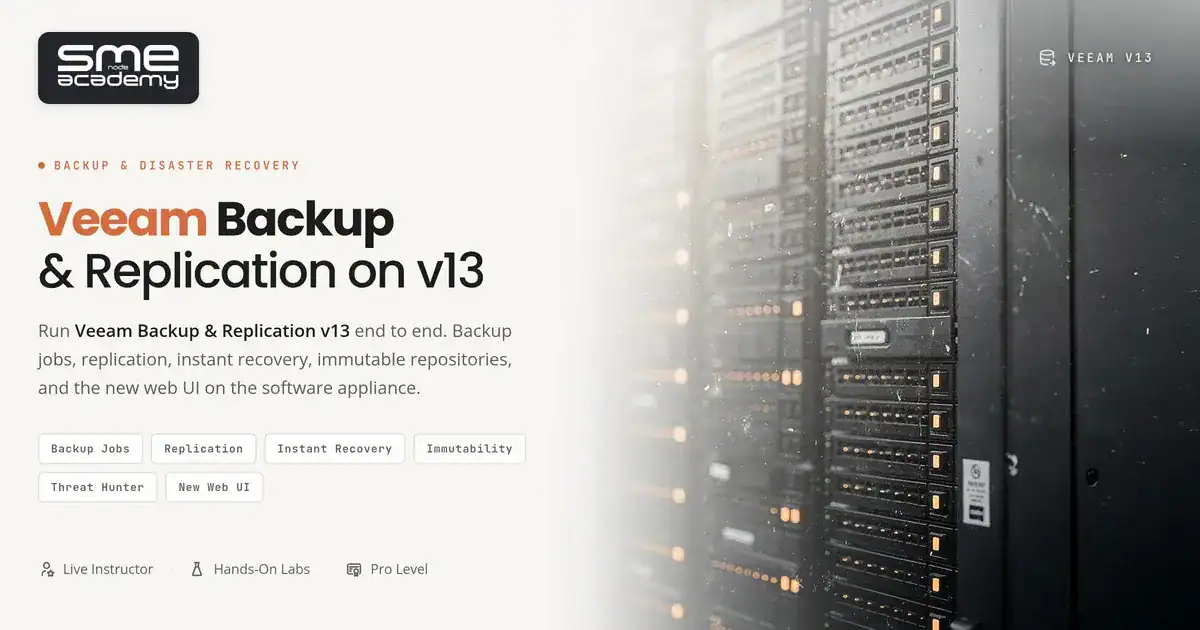
This Veeam Backup training course, part of our infrastructure and resilience track, teaches you to run Veeam Backup & Replication v13 in production the way real backup administrators use it. You’ll build backup jobs, harden repositories against ransomware, set up replication and CDP, and recover data under pressure. This programme covers every topic on the official v13 syllabus through live instruction, hands-on labs, and expert mentorship.
What Is Veeam Backup & Replication?
Veeam Backup & Replication is the backup and recovery platform sitting under the Veeam Data Platform. It protects VMs, physical servers, cloud workloads, NAS shares and enterprise applications, and it’s the tool most shops reach for when the requirement is “back this up and be able to restore it fast.”
Version 13.0 went GA on 2025-09-03. Version 13.1 landed on 2026-07-29. This course is built on 13.1.
Why does that matter? Because a lot of veeam training on the internet still teaches v11 and v12 workflows, and v13 changed real things, including the Software Appliance deployment model. You’d be learning screens that don’t exist anymore.
The Veeam Certification Path in 2026
Here’s what you need to know before you spend money anywhere.
Veeam retired VMCE and VMCA. They’re gone. The current credentials are VMCE+ (Veeam Certified Engineer+) and VMCSE (Veeam Certified Security Expert), with exams available from Q2 2026.
And VMCE+ isn’t just an exam you book. Veeam requires over 50 hours of its own official training across three separate courses before you’re eligible: Veeam Backup & Replication, Veeam Data Platform: Monitor, Manage, Analyze (Veeam ONE), and Veeam Data Platform: Scale, Automate, Secure (Recovery Orchestrator). VMCSE then needs an active VMCE+ on top of that.
We’re telling you this because plenty of pages ranking on Google for “veeam certification” still list VMCE and VMCA as current. Some are training companies selling a v12.1 course. Check the dates on anything you read.
So what does this course give you? Production skills on v13.1, taught live, with labs, mapped topic for topic against the official Veeam Backup & Replication v13 syllabus. What it doesn’t do is grant VMCE+ exam eligibility. Only Veeam’s own training does that, and any provider claiming otherwise is either an Authorized Training Partner or being loose with the truth. Ask which.
Straight answer, no games.
Veeam Backup Training Syllabus Overview
Nine sections, weighted by course time and mapped against the official v13 course.
Data protection strategy and risk analysis accounts for 10%, because tool knowledge without a strategy just gets you organised failures. v13 architecture and the Software Appliance is 10% and covers component roles and what changed from v12. Backup jobs, agents and unstructured data is the biggest block at 20%, covering VMs, physical servers and NAS.
Immutability and hardened repositories takes 15%, which is where the ransomware questions get answered. Replication, CDP and backup copy jobs is 10%. Scale-Out Backup Repository and retention is 10%. Recovery verification and advanced recovery is 15%, the section that matters most on the worst day of your year. Malware detection and incident response is 5%, and Enterprise Manager, monitoring and troubleshooting closes at 5%.
Course Format
Live online, instructor-led, in a fixed cohort capped at six students. Sessions are recorded for review. Lab time runs about 40% of the course and you get your own environment, not a shared demo box.
The Authorized Training Partner version of this material is a four-day sprint priced around $5.4K CAD. Ours runs 10 weeks. Four days of firehose is how people pass a test and forget it by Friday. Different goal.

Watch a sample from our live sessions
Before enrolling, make sure this course aligns with your career goals and experience level.
you meet these criteria
Consider other courses first
Six skills you'll use on the job, not just on the exam
Who it's for, how the live classes run, and what's covered
This Veeam Backup training course, part of our infrastructure and resilience track, teaches you to run Veeam Backup & Replication v13 in production the way real backup administrators use it. You’ll build backup jobs, harden repositories against ransomware, set up replication and CDP, and recover data under pressure. This programme covers every topic on the official v13 syllabus through live instruction, hands-on labs, and expert mentorship.
What Is Veeam Backup & Replication?
Veeam Backup & Replication is the backup and recovery platform sitting under the Veeam Data Platform. It protects VMs, physical servers, cloud workloads, NAS shares and enterprise applications, and it’s the tool most shops reach for when the requirement is “back this up and be able to restore it fast.”
Version 13.0 went GA on 2025-09-03. Version 13.1 landed on 2026-07-29. This course is built on 13.1.
Why does that matter? Because a lot of veeam training on the internet still teaches v11 and v12 workflows, and v13 changed real things, including the Software Appliance deployment model. You’d be learning screens that don’t exist anymore.
The Veeam Certification Path in 2026
Here’s what you need to know before you spend money anywhere.
Veeam retired VMCE and VMCA. They’re gone. The current credentials are VMCE+ (Veeam Certified Engineer+) and VMCSE (Veeam Certified Security Expert), with exams available from Q2 2026.
And VMCE+ isn’t just an exam you book. Veeam requires over 50 hours of its own official training across three separate courses before you’re eligible: Veeam Backup & Replication, Veeam Data Platform: Monitor, Manage, Analyze (Veeam ONE), and Veeam Data Platform: Scale, Automate, Secure (Recovery Orchestrator). VMCSE then needs an active VMCE+ on top of that.
We’re telling you this because plenty of pages ranking on Google for “veeam certification” still list VMCE and VMCA as current. Some are training companies selling a v12.1 course. Check the dates on anything you read.
So what does this course give you? Production skills on v13.1, taught live, with labs, mapped topic for topic against the official Veeam Backup & Replication v13 syllabus. What it doesn’t do is grant VMCE+ exam eligibility. Only Veeam’s own training does that, and any provider claiming otherwise is either an Authorized Training Partner or being loose with the truth. Ask which.
Straight answer, no games.
Veeam Backup Training Syllabus Overview
Nine sections, weighted by course time and mapped against the official v13 course.
Data protection strategy and risk analysis accounts for 10%, because tool knowledge without a strategy just gets you organised failures. v13 architecture and the Software Appliance is 10% and covers component roles and what changed from v12. Backup jobs, agents and unstructured data is the biggest block at 20%, covering VMs, physical servers and NAS.
Immutability and hardened repositories takes 15%, which is where the ransomware questions get answered. Replication, CDP and backup copy jobs is 10%. Scale-Out Backup Repository and retention is 10%. Recovery verification and advanced recovery is 15%, the section that matters most on the worst day of your year. Malware detection and incident response is 5%, and Enterprise Manager, monitoring and troubleshooting closes at 5%.
Course Format
Live online, instructor-led, in a fixed cohort capped at six students. Sessions are recorded for review. Lab time runs about 40% of the course and you get your own environment, not a shared demo box.
The Authorized Training Partner version of this material is a four-day sprint priced around $5.4K CAD. Ours runs 10 weeks. Four days of firehose is how people pass a test and forget it by Friday. Different goal.
A clear 10-week roadmap from first backup job to full recovery plan
Veeam's data protection approach, analysing risks to data, and the 3-2-1-1-0 rule. Then v13 architecture: core component roles, the Software Appliance, and what changed from v12.
Protecting workloads, building backup jobs, deploying Veeam agents for physical servers, NAS and SMB backup, and optimising the backup window.
Hardened Linux repositories and immutability flags, replication and Continuous Data Protection, failover and failback plans, Scale-Out Backup Repository design and long-term retention chains.
SureBackup and recovery verification, instant VM recovery, file-level and application item restores, Veeam malware detection and incident response planning.
Deploying Veeam Backup Enterprise Manager, monitoring, alerting and reporting, troubleshooting the failures that actually happen, and your capstone.
White-glove support from start to finish. Eight steps across roughly 6 to 12 months, expert to expert.
A two-hour session with a senior instructor. An honest readiness assessment with no false promises, exam-timeline planning, attempt strategy and a full discussion of time and cost. You leave with a documented plan.
Your assigned expert instructor builds a multi-month roadmap with milestones, target attempt dates and contingency windows. Your private lab is provisioned and a curated resource library is prepared.
Two to three live sessions a week with a senior instructor in a cohort of no more than six. Real enterprise case studies that mirror the lab exam, with open advanced Q&A every session.
24/7 access to an expert-grade lab, weekly two-hour coaching, and full eight-hour mock labs that are scored and debriefed. Written-exam prep is integrated, and lab access continues until your attempt.
Scored to the official rubric. 50+ labs.
Direct weekly access to your assigned instructor, not a TA and not a forum. Technical deep-dives, accountability check-ins and personal readiness assessments.
Written-exam booking, lab scheduling, a retry strategy and an exam-day checklist. Your instructor signs off that you are ready before you book.
An executive LinkedIn overhaul (two hours, targeting a 99% profile), a senior-architect resume and a panel interview simulation (two 90-minute, five-person panels) with salary coaching for $120K+ roles.
Access to the expert alumni community, consulting and freelance pathway guidance, guest-instructor opportunities, a 90-day check-in and an ongoing reference from your instructor.
We lead with honest advice, never pressure. Every touchpoint is expert to expert.
These three services are part of every course. Only the depth changes by level, never the presence.
Thought-leader positioning, a curated featured section and a creator-mode strategy, targeting a 99% profile.
2-hour executive overhaulAn executive format with C-level language, targeting Director and Principal Engineer roles.
Executive, 2 sessionsA five-person panel simulation with architecture questions and salary coaching for $120K+ roles.
Panel ×2, 90 min eachExplore what you'll learn in each section of this comprehensive course
Choose the package that best fits your learning style and budget
| Features | SMEnode Academy | Typical Bootcamps | Self-Paced Platforms |
|---|---|---|---|
| Course Price | $659.00 | — | — |
| Live Training Sessions | |||
| Lab Access | Unlimited | Limited (50-100 hrs) | Extra $$ |
| Course Access | Lifetime | 6-12 months | Subscription |
| Expert Instructors | CCIE-Certified | Varies | Pre-recorded |
| 1-on-1 Mentorship | Free | Extra Cost | |
| Practice Exams | |||
| Money-Back Guarantee | Varies | ||
| Job Support | Sometimes | ||
| Course Duration | 16+ Weeks | 8-12 weeks | Self-paced |
Find quick answers
Join our free live sessions and get insights from expert instructors
No upcoming events for this course.
Other courses that students like you have enrolled in
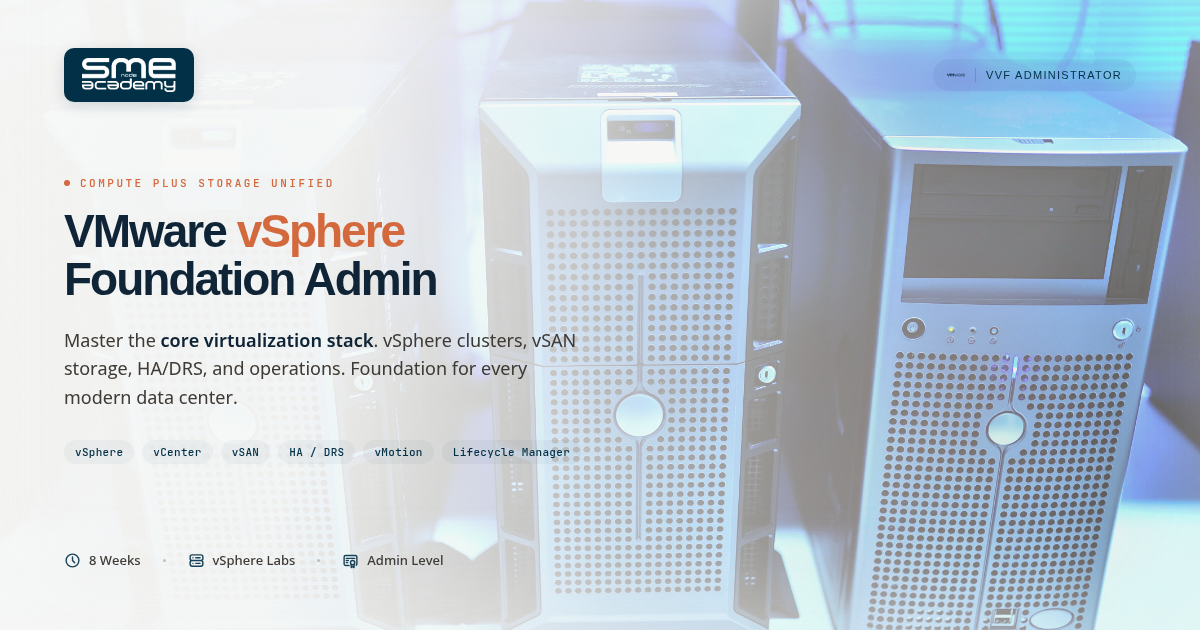
This VMware vSphere Foundation training program prepares you for the VCP-VVF Administrator certification exam and real-world virtualization deployments. So what is VMware vSphere Foundation exactly?...
This VMware Cloud Foundation training program prepares you for the VCP-VCF Administrator certification exam and real-world private cloud deployments.So what is VMware Cloud Foundation exactly?...
This Proxmox VE training teaches you everything needed to deploy and manage enterprise virtualization using the leading open-source platform. Proxmox VE is completely free to...
Pre-register now to lock in your Early Bird price. Enrollment opens soon.
Secure your spot before it fills up.
Enter your email to be notified when enrollment opens.
Want to receive push notifications for all major on-site activities?